Fortnite Drop Calculator, Drop Maps & Loot Paths
Plan a Fortnite drop with Titan Dropcalc. Review suggested Battle Bus jump, glider deploy and cut points, explore map markers, and build a loot path for a selected landing spot.
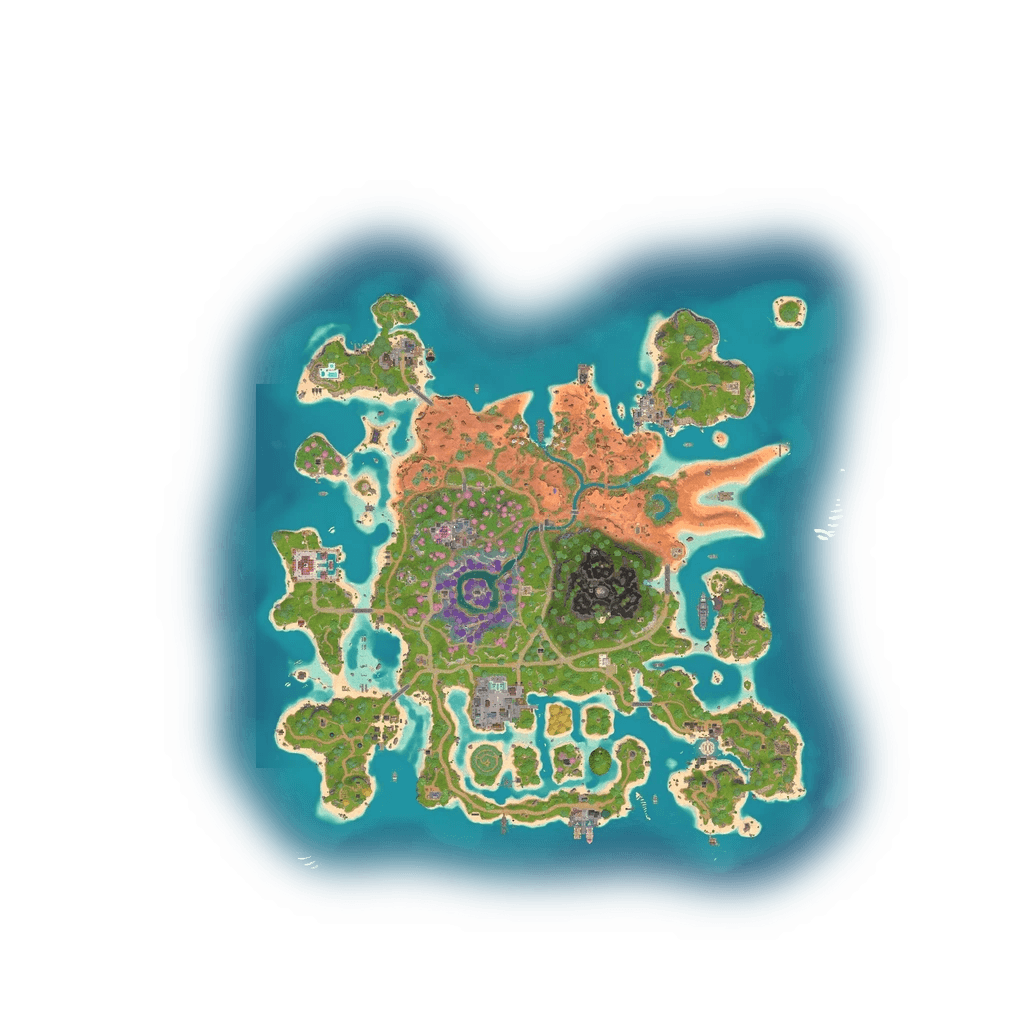
What is a Dropmap?
A Fortnite Dropmap shows the selected Battle Bus line, landing spot and calculated jump, glider and cut markers. Use the map to compare a planned drop before a match; the markers are guidance, not a guarantee of an in-game result.
Review jump timing
Use the plotted Battle Bus line and destination to review the suggested jump marker.
Review glider markers
See the suggested glider deployment point for the selected landing spot.
Check the cut point
Review the suggested point for returning to free fall on the final approach.

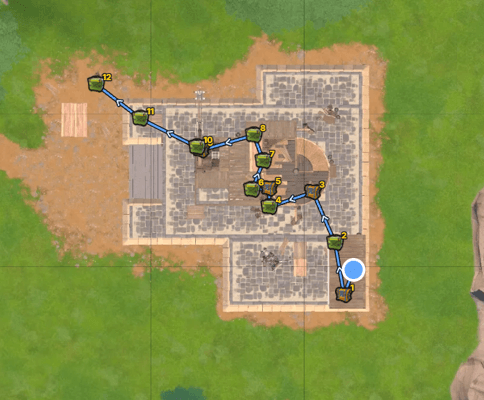
Example loot route with numbered chest stops.
What is a Lootpath?
A Lootpath is an editable route through supported map points in a selected area. Choose a landing spot, mark the area, generate the stop order and review or edit the result. Distances use map coordinates, so the drawn line is a planning estimate and may cross buildings or terrain.
Route through selected loot points
Generate an ordered route from the enabled loot points inside your selected area, then adjust its stops to fit your plan.
Numbered route stops
Review the supported loot points included in the generated route and see their order on the map.
Review the route
Use the ordered stops as a planning guide. The generator estimates route distance from map coordinates and does not account for buildings, walls or terrain.
What is Drop Calculator?
Titan Drop Calculator uses the Battle Bus route and your chosen landing spot to calculate when to jump, where to deploy your glider and where to cut it. Each step appears on the map so you can plan your landing before the match.
Choose a landing spot
Place your destination on the map and set the Battle Bus route.
See jump and deploy points
See where to leave the bus and where to open your glider.
Follow the final approach
The map also shows the cut point and the path to your landing spot.
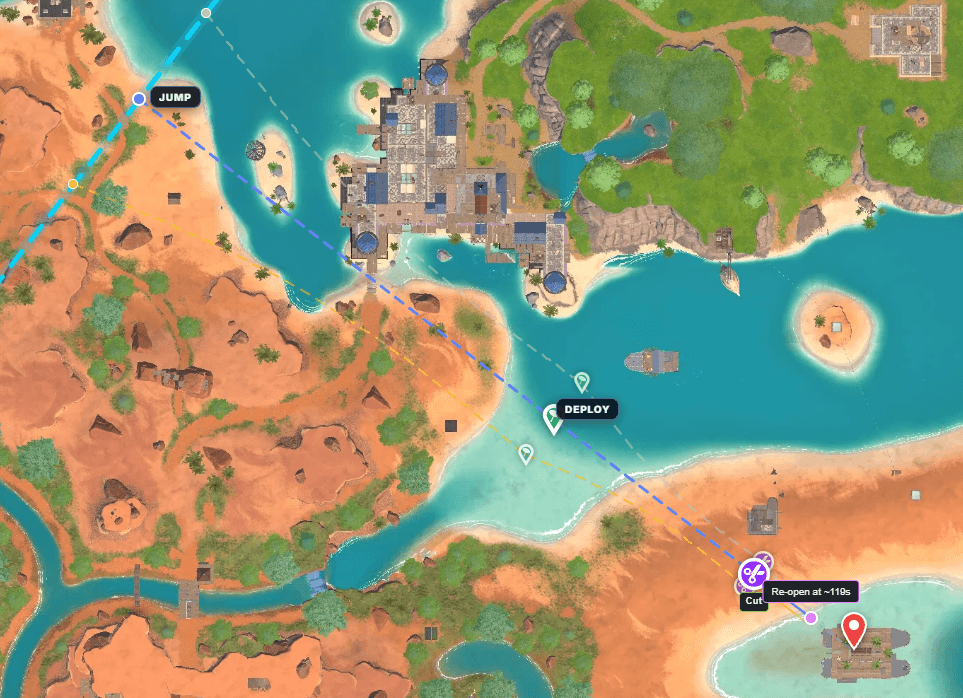
Example calculation with jump, deploy and cut markers.